NewWrite your ebook in 18 languages
Turn one idea intoan ebook you can sell.
Describe your book in one sentence. BookArc plans the chapters, writes every one and designs the cover, then hands you files ready for Amazon KDP, Gumroad and Etsy.


 Dashboard
 Create Book
 My Books
 Coloring Books
 Profile


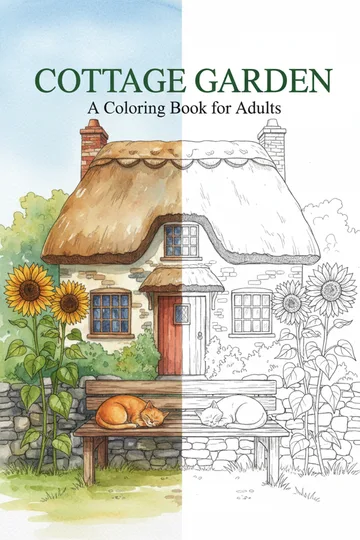
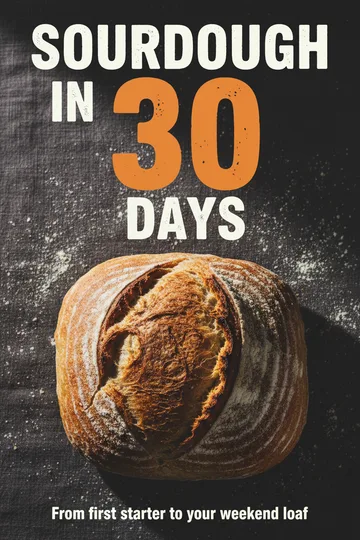
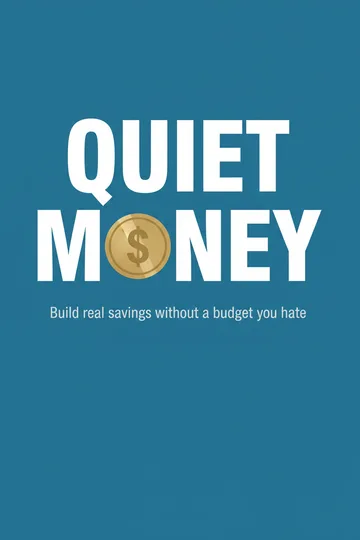
Sell on Amazon KDP,
 Apple Books,
 Gumroadand
 Etsy.Promote on
 TikTok.
- 18languages
- 6book types
- 3file formats
- 0%of your sales
How it works
Three steps to a finished book.
You stay in charge of the plan. BookArc does the writing.
1 · Describe your book
One sentence is enough. Add a reader and a tone.
2 · Shape the plan
Rename, reorder or cut chapters before writing.
3 · Write and download
Written in order, then ready as PDF, EPUB or Word.

 Plan my book


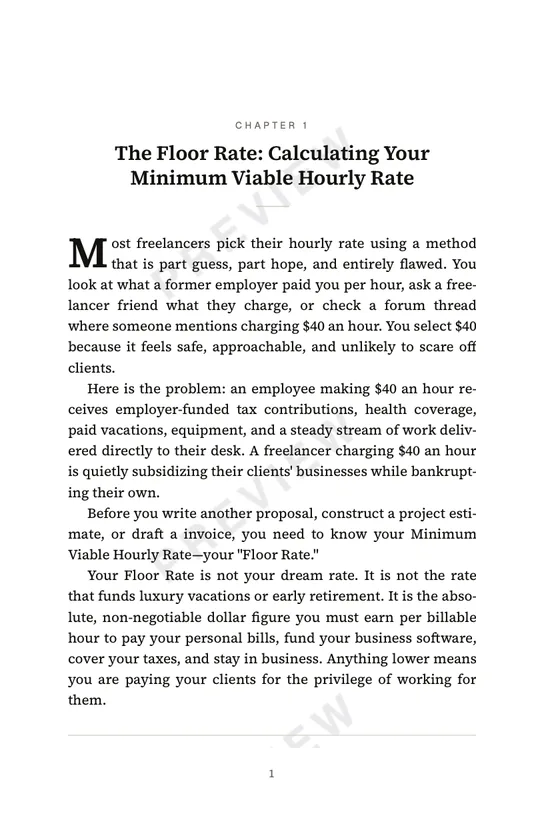
A real BookArc book
Read one it already wrote.
One sentence went in. This is the book that came out, unedited.
19 pages · print-ready 6 × 9 · unedited
Write mine free

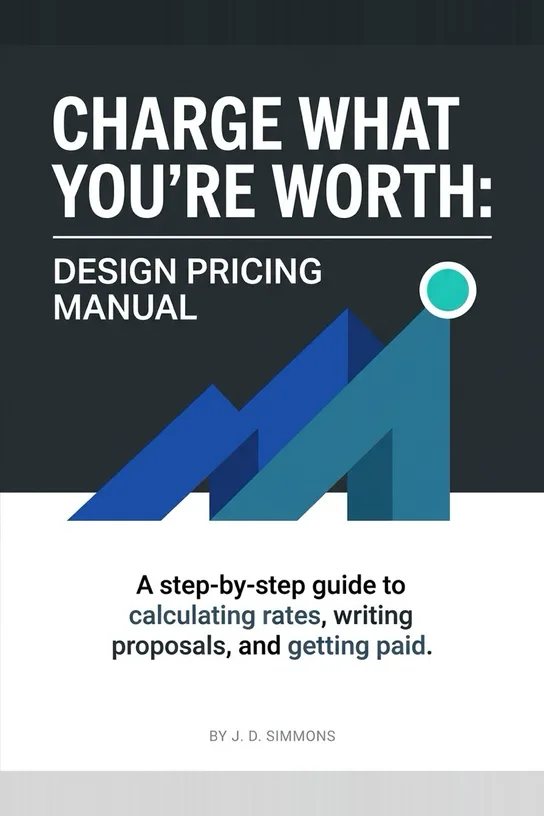
From “A step-by-step guide to freelance pricing for new designers” · drag a corner or tap a page to turn it
Features
Everything a book needs to sell.
The writing is only half of it. BookArc handles the rest too.

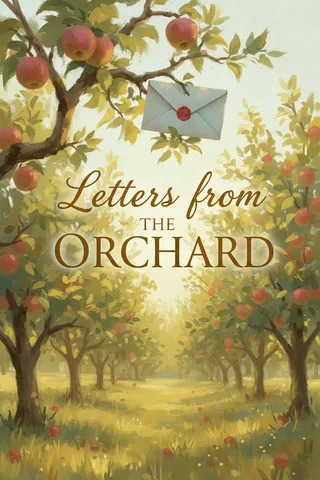
A cover for every book
Up to three options made for its genre. Draw another, or upload your own.


Write in 18 languages
Including right-to-left Arabic.
- English
- Español
- Français
- Deutsch
- Português
- Italiano
- Nederlands
- Polski
- Türkçe
- Tiếng Việt
- Bahasa Indonesia
- + 7 more

Two types of books
Ebooks in six formats, and coloring books.
Ebook
Guides, courses, novels and more, from 3 to 30 chapters.

Coloring bookNew
One design per page with blank backs, 5 to 60 designs.

Files ready for the stores
A typeset PDF, a print-ready PDF for paperbacks, an EPUB, a Word file and the cover.
- PDFTypeset 6 × 9 · cover on page one
- PDFPrint-ready interior for a KDP paperback
- EPUBKindle, Apple Books, Kobo
- DOCXEdit in Word or Google Docs
- PNGThe cover image
What makes it different
Not just written. Finished.
Edit every page by hand or with AI, then see the real printed pages before you download.
01Edit by hand
Every page gets a real editor.
Headings, lists, tip boxes, tables and images. Change anything, the way you would in a doc.

 Back to the book
 Unsaved changes

 Editing
 Scroll
 Book
Book


 Insert


 AI edit


02Edit with AI
One chapter gets a second draft.
Tell the AI what to change in plain words, then see every edit before you accept it.
 AI version ready · 3 credits used
 You asked
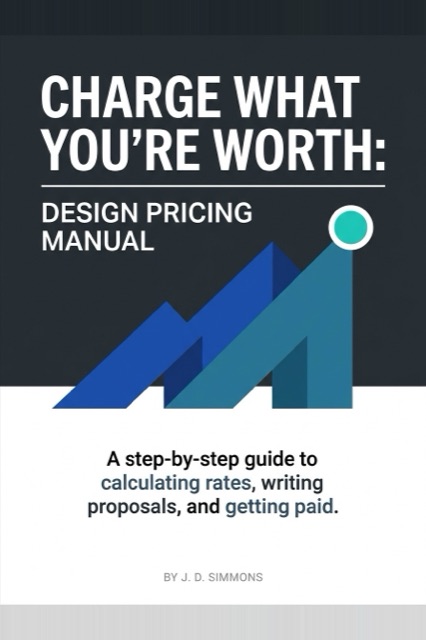
03Covers
Every book gets its own cover.
Up to three designs for your genre. Draw another, upload your own or add your name.
 Edit the plan



 Draw another · 4 cr
 My name on the cover
 Upload
04Read & download
Your book gets real pages.
Turn through the actual print file, then download it for any store.


Who it’s for
Built for people who’d rather be selling.
Pick the book that fits what you do. BookArc writes it.

Side-income sellers
Sell ebooks on KDP, Gumroad and Etsy without months of writing.
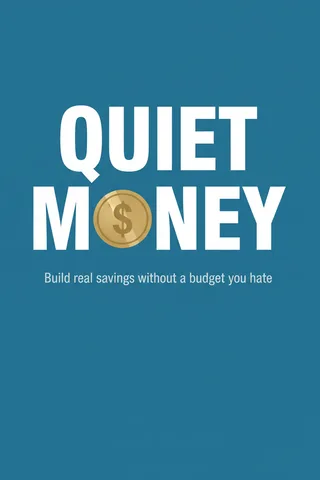
Quiet Money
How-To Guide · 10 chapters

Self-published authors
Get past the draft and grow your back catalogue.
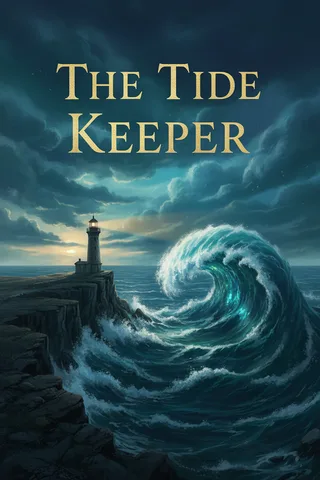
The Tide Keeper
Fiction Novel · 12 chapters

Coaches
Turn the framework you explain every week into a book.
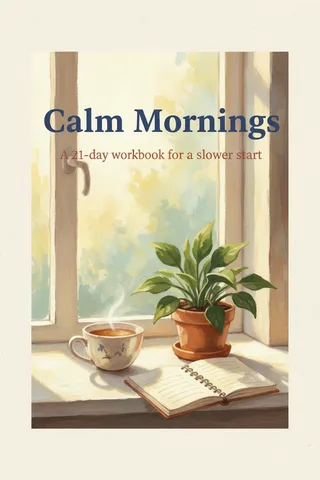
Calm Mornings
Workbook · 7 days

Consultants
Put your best thinking where clients can read it.
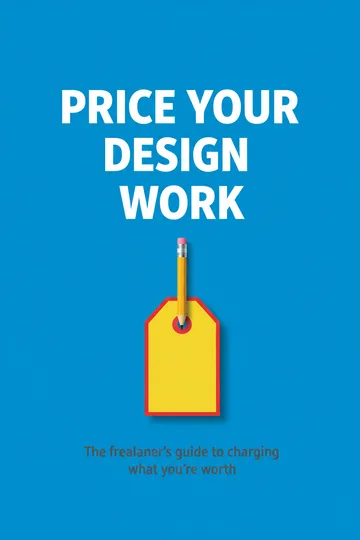
Price Your Design Work
Lead Magnet · 5 chapters

Course creators
Give your course a book people can find and finish.
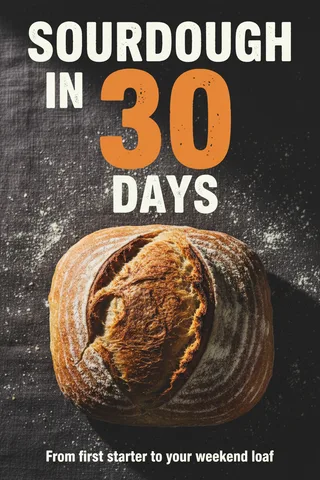
Sourdough in 30 Days
Online Course · 8 chapters

Coloring book sellers
NewTurn one theme into a whole book of pages to color.
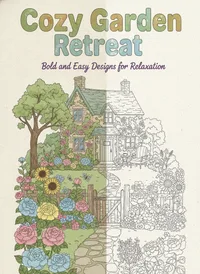
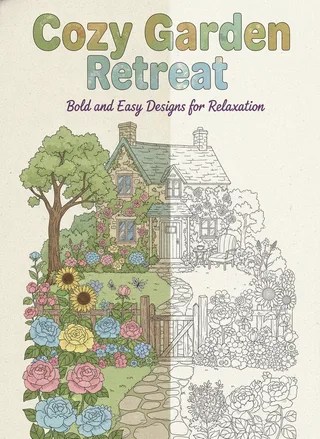
Cozy Garden Retreat
Coloring book · 12 designs
User reviews
What our writers say.
Real reviews from early writers who made their books with BookArc.
1 of 2 reviews
Review 01 · Self-published author
“Switching to BookArc.ai changed everything. The web app made designing, formatting, and launching my ebooks seamless.”
Comparison
The same book. Far fewer steps.
What it takes to get one finished ebook out of a chatbot, and out of BookArc.
With a chatbot
You hold the book together
- Ask for an outline
- Ask for chapter 1, then 2, then 3…
- Remind it what earlier chapters said
- Fix the parts that repeat or contradict
- Copy every chapter into a document
- Format headings, lists and spacing
- Make a cover in another tool
- Size the pages for a paperback
- Export a PDF
- Find a way to make an EPUB
- Check it opens on a Kindle
- Start again if the voice drifts


BookArc
BookArc holds it together
- 1Describe your bookOne sentence, plus a tone if you like.
- 2Shape the planRename, reorder or cut chapters.
- 3Download and sellPDF, EPUB, Word and the cover.
BookArc does the rest
 Writes every chapter in order
- Keeps one voice
- Typesets the pages
- Draws the cover
- Makes the EPUB
Where ChatGPT wins: a single chapter or article, when you want to shape every line yourself.
Pricing
Simple pricing, counted in books.
Start free. Pay when you’re ready to download and sell.
Author
 Recommended
For writing regularly — about one book every few days.
$19/ month
150 credits a month
 Everything in Draft
- PDF, EPUB and Word export
- One cover image per book
- Keep your books and re-read them
- Top up any time
Publisher
For publishing at volume, or writing a series.
$49/ month
400 credits a month
- Everything in Author
- Top up any time
- Cancel anytime

Not ready to pay? Your first book is free.
30 credits, no card needed. Read the whole book, then upgrade to download.

 Top up 100 credits for $15
 Unused credits don’t roll over
 Payments by Polar, in US dollars
 You own every book you write
FAQ
Questions, answered.
The things people ask before they write their first book.
You do. BookArc takes no rights over what it writes for you and no cut of what it earns. Sell it, give it away, put your name on it, or rewrite every line.
Yes. You get 30 credits when you sign up, with no card. That’s enough to plan and write a whole book and read it in the app. Downloading the files is the part you pay for — plans start at $19 a month.
The title and the chapter plan arrive in about twenty seconds. After you approve it, chapters are written one after another and appear on the page as they land, so you can read chapter one while chapter four is still being written.
Change it. The chapter plan arrives before a single chapter is written — rewrite the titles, reorder them, cut the ones you don’t want, then start writing. Once a chapter is written you can edit it by hand, or ask the AI for a second draft and see every change before you accept it.
Yes. Every chapter opens in a real editor: headings, lists, tip boxes, tables, images and page breaks, the way you would in a doc. Editing by hand is free. If you’d rather describe the change, Edit with AI rewrites the chapter for the same credits as writing it, and you review every change first.
Yes. BookArc draws cover options made for your book’s genre (4 credits each), and you can draw another with a style hint, upload your own image instead, and choose whether your name goes on it.
Five files: a typeset PDF with the cover on page one, a print-ready interior PDF for a paperback, an EPUB for ebook stores, a Word document for editing, and the cover as a PNG. The print-ready interior is what KDP wants: a true 6 × 9 inch trim with the fonts embedded, a wider margin on the bound edge, and no cover inside it, because print-on-demand services take the cover as a separate file.
In 18 of them, including right-to-left languages like Arabic, which are typeset properly rather than just translated — the binding ends up on the correct side and the opening drop cap hangs off the correct edge.
Yes. Describe a theme, pick who it’s for, a style and a page size, and BookArc plans and draws every page as clean line art at 300 dpi — from 5 to 60 designs, 2 credits a page. You get a print-ready PDF for a KDP paperback with blank backs, every page as a PNG, a home-print PDF and the cover.
On Amazon KDP, yes: when you publish, KDP asks whether you used AI to create the text, images or translations, and you should answer honestly. That answer goes to Amazon; it isn’t printed in the book. Other stores have their own rules, so check theirs before you publish.
Yes. Cancel from Plan & billing in your profile whenever you like; your plan runs to the end of the month you’ve paid for, and your books stay in your account.

What’s your book about?
Type it the way you’d say it to a friend. BookArc plans the rest.
30 credits free · No card needed · You own every word